
T-shirt printing looks simple on the surface, but anyone who has done it knows it can be tricky. A single mistake can turn a great design into a wasted shirt. Printing errors can affect quality, comfort, and how long the design lasts. Even experienced printers sometimes overlook small details that end up costing them time and materials. The good news is that most of these mistakes are easy to prevent once you understand what causes them.
Choosing the Wrong Fabric for the Job
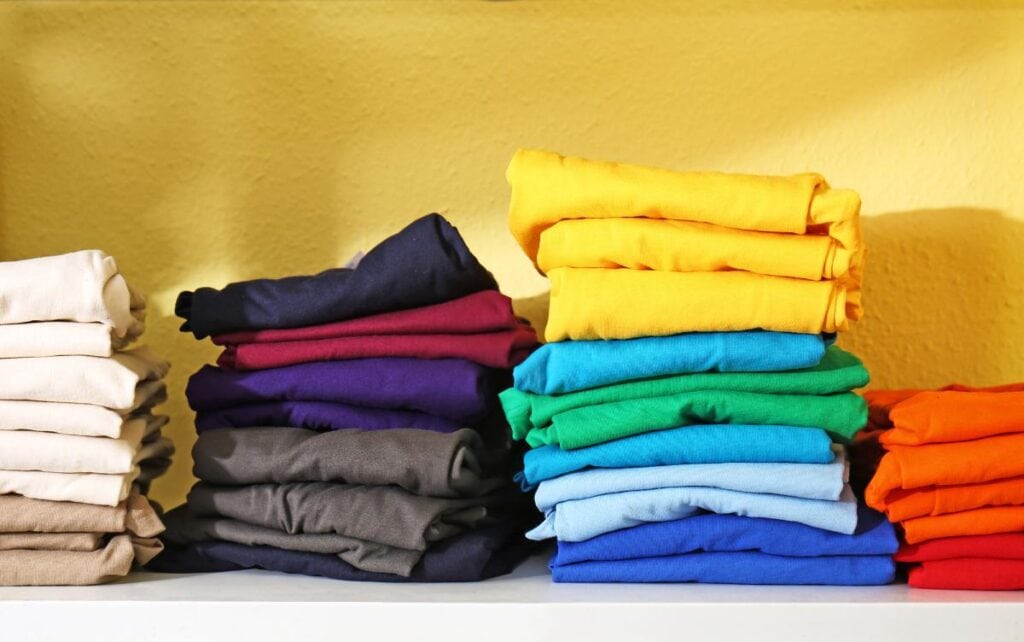
The type of fabric you print on has a huge impact on the result. Not every fabric reacts the same way to ink, heat, and pressure. Cotton, polyester, and blended fabrics each have different properties that affect how the design sticks and looks over time.
Cotton is soft and breathable, and it holds color well, but it can shrink and fade if not handled properly. Polyester is more durable and flexible, but it can be challenging to print on because it doesn’t absorb ink the same way. Blends are popular because they offer the best of both worlds, but they also require careful temperature control.
If you’re using newer techniques, like Prestige R2 Pro DTF printer technology, you have more freedom. Direct-to-film printing works with a wide range of fabrics and produces bright, durable prints. Still, knowing your fabric before printing is key. A mismatch between material and method is one of the most common causes of poor results.
Ignoring Color and Contrast in Design
Colors can make or break a design. Too little contrast and the print becomes hard to see. Too much contrast and the design looks harsh or uneven. The colors that look perfect on a computer screen don’t always translate well to fabric. Lighting, fabric tone, and ink type all affect how the final print appears.
Designers often skip the test print, assuming the digital preview will match the real thing. That’s a mistake. A test print helps you catch color issues early. Always check how the colors look under natural light and on the actual shirt color. Remember that darker fabrics often require an underbase layer of white ink to make the design pop.
Poor Print Placement and Sizing
Even the best design can fail if it’s in the wrong spot. Placement errors are common, and they’re easy to notice once the shirt is done. A design that sits too low or too far to one side looks awkward. Oversized prints can feel heavy, while small ones might get lost.
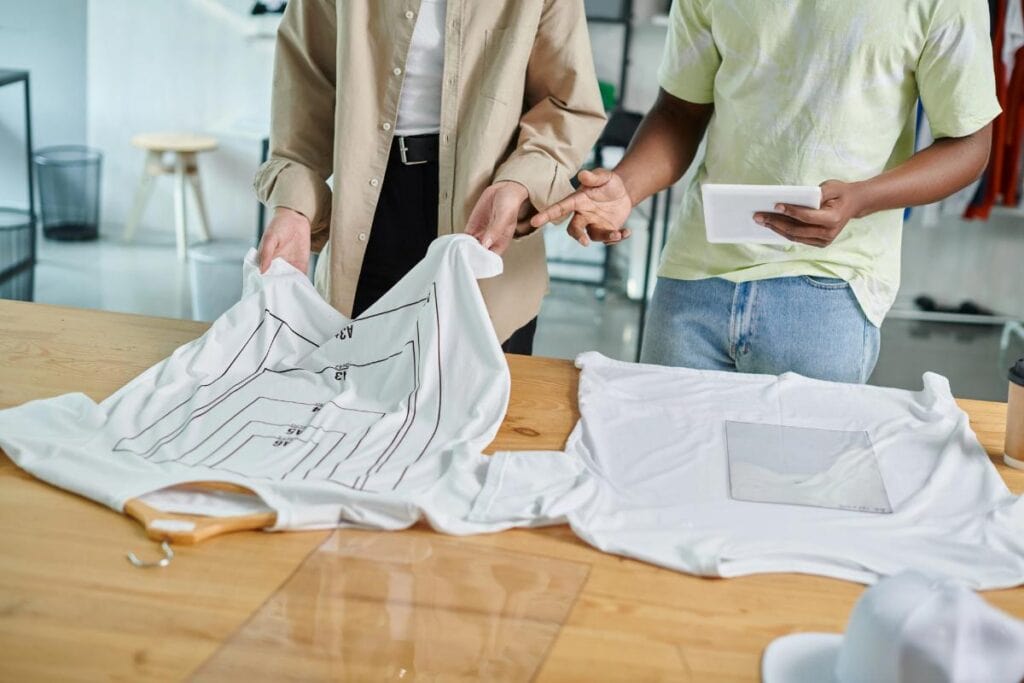
To avoid this, always use templates or measurement tools before printing. Marking a consistent center point on each shirt helps maintain balance. Take time to align the shirt properly on the platen. When printing manually, double-check your setup before applying heat or ink. Consistency is what separates a professional print from an amateur one.
Using the Wrong Printing Method
Every printing method has strengths and weaknesses. Screen printing works well for bold designs with limited colors. Direct-to-garment printing handles detailed graphics with fine color gradients. Heat transfer is ideal for small batches or custom orders.
Choosing the wrong technique can cause fading, cracking, or poor adhesion. Direct-to-film printing, for example, offers a balance of quality and flexibility. It allows for full-color prints on cotton, polyester, and blends without heavy setup costs. The Prestige R2 Pro DTF printer has made this method more accessible for small businesses and artists who want reliable results. Before starting a project, match your printing method to your design type and fabric. Testing each method on a sample piece can save you time and money.
Skipping Pre-Treatment and Proper Temperature Settings
Pre-treatment might feel like an unnecessary step, but it plays a big role in how the ink adheres. Without it, the print might peel, fade, or wash out quickly. This step is especially important when printing on cotton or dark-colored fabrics.
Temperature and pressure also matter. Every fabric reacts differently to heat. Too little heat and the ink won’t bond properly. Too much and you risk scorching the fabric or distorting the print. Always follow the recommended settings for your specific printing method and test them on a scrap piece before running a full batch.
Overlooking Design Resolution and File Quality
Low-resolution images can ruin even the best idea. A blurry or pixelated design looks unprofessional and distracts from the message. To avoid this, always use high-resolution files—300 DPI or higher is ideal. Vector files are best for logos and text because they can be scaled without losing sharpness.
Before printing, zoom in on your design at 100 percent to see what it will look like in real size. Small imperfections in the file will be obvious once printed. A few extra minutes spent checking image quality can prevent wasted materials later.
Neglecting Test Prints and Quality Checks
Rushing straight into production is one of the most expensive mistakes you can make. Test prints help you spot problems early—whether it’s misalignment, poor color matching, or uneven pressure. Each printer and fabric combination behaves differently, so testing helps you fine-tune your process.
Once your test print looks right, use it as a benchmark for the rest of the run. Periodically check shirts during production to make sure nothing has shifted or changed. A consistent review process ensures every piece meets your quality standards.
Forgetting About Post-Print Care
Even a perfect print can fail if it’s not cared for correctly. Heat, friction, and harsh detergents can break down ink over time. Educating customers about proper washing and drying helps preserve your work.
Recommend washing shirts inside out in cold water and avoiding bleach or fabric softeners. Air drying or using low heat keeps the print looking fresh longer. Including a small care tag or card adds value and shows professionalism.
Get It Right Before You Press Print
T-shirt printing combines art, technique, and patience. Every step—from design preparation to curing—affects the final result. By avoiding these common mistakes, you save money, improve quality, and build trust with your customers.
Take time to plan, test, and refine your process. A small adjustment in fabric choice or print setup can completely change the outcome. The more attention you give to details before pressing print, the better your shirts will look, feel, and last.