
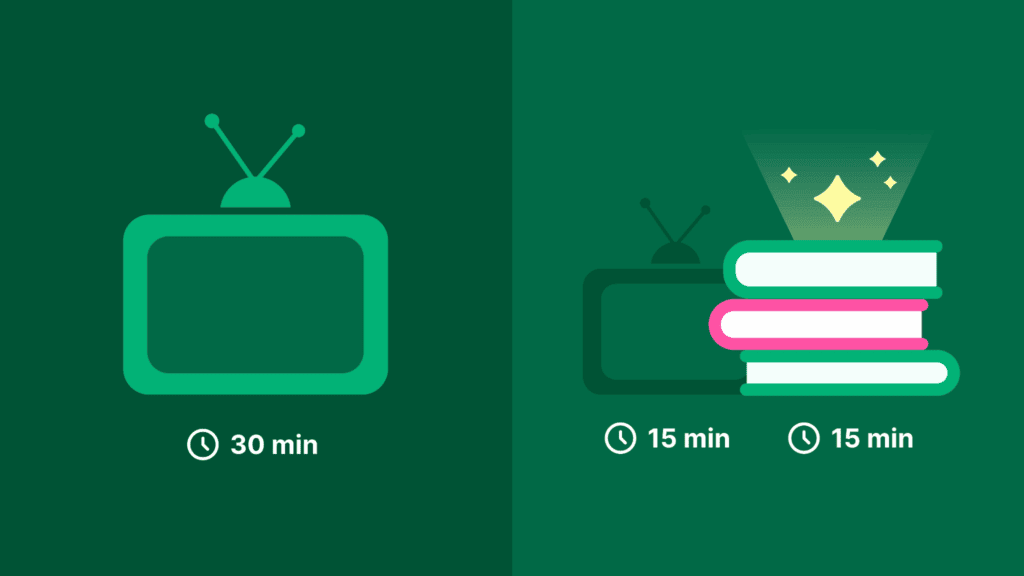
Phones may stay nearby during meals and late into the night. If you want effective parenting tips for teenagers that change daily habits, this guide cuts through generic advice and offers practical ways to set boundaries while keeping your teen involved. You can also explore social media alternatives for extra ideas on filling empty hours. It may give you ideas and insights for the moments when doomscrolling has become automatic.
The goal is to agree on a few simple rules for when phones are used and when they are put away. From there, you can check how the plan is working and adjust it when needed!
Why Teen Screen Time Feels Out of Control Right Now
Smartphones put the internet, games, social media platforms, and group chats in every teenager’s pocket. Many teens ages 12–17 spend four or more hours per weekday on non-school screen time.
The consequences are real: excessive screen time can lead to increased anxiety in teens, and social media use is linked to depression in adolescents. Teens with high screen time report lower emotional well-being, and research consistently shows that sleep disruption from screens negatively impacts teen mental health. Screen time should not interfere with sleep, school, exercise, or family life, but for many families, it does.
This guide focuses on practical strategies, so let’s talk about replacing mindless scrolling with social media alternatives.
1. Use educational apps for a short learning activity with a finish point
First important matter: parents should also look at their own screen habits when setting limits at home. If a quiet ten minutes usually turns into social media scrolling, they can try using educational apps instead to replace doomscrolling. For example, Nibble gives adults a defined learning activity for that time, as it is an all-around knowledge app with short lessons on subjects such as psychology, history, personal finance, statistics, and other general-knowledge topics.
For more ideas, explore these alternatives to scrolling social media to help your teenager find engaging alternatives to mindless scrolling.
You can use one lesson to learn something you may later discuss with your teenager. A psychology lesson could lead to a conversation about procrastination. A history topic might come up over dinner after something related appears in the news. The point is simple: part of your own phone time now has a clear subject and a stopping point.
This also gives parents a concrete way to model the screen habits they are asking teenagers to develop. You can use the phone for a chosen activity. Parents can make the suggestion once, then let the teenager choose the subject. The choice matters because a replacement activity has to feel like their own time. The app supports a short break with a clear end. It does not need to become extra homework.
2. Look for the time when the argument begins
Screen time is easier to discuss when the family can name the exact moment that causes tension. It may be the phone at dinner or notifications during homework. You can start by observing the routine for a few days. You can write down when the phone appears, what the teenager is doing, then see what happens next. This gives the conversation something specific to work with.
You can create media rules that fit your routines and values, then discuss them with children. The guidance could also include revisiting the plan as a child matures. You can bring up one pattern at a calm time. A conversation after an argument usually leaves less room for everyone to think.
3. Write the rules together
Ask your teenager which phone moments feel hard to manage and which limits seem fair. Devorah Heitner’s nonfiction book Screenwise: Helping Kids Thrive and Survive in Their Digital World argues for parents as mentors who talk with children about digital life. Reporting on her work also stresses transparent guidance over secret monitoring. You can put the agreement somewhere both of you can see. Keep the first version short:
- Phones stay away from the dinner table
- Homework has one defined notification setting
- Charging happens in a shared space at night
- The family reviews the plan after one week
4. Make one shared phone-free space
The dinner table is a practical place to start because the boundary is easy to see. Phones can stay on a shelf or in another room while the family eats. Screen-free zones are a family rule, but they also remind parents to include themselves in the plan, because adults model digital habits.
This section works better when the parent follows the rule too. A teenager will notice when a parent asks for phone-free dinner while checking messages under the table. So, choose one space first. A rule that stays in place is more useful than a long list that the family drops after a few days.
Move the charging point out of the bedroom
Late-night phone use often stays invisible because the device is behind a closed bedroom door. A shared charging point makes the boundary easier to follow and easier to discuss. Pick a place that works for your home. Agree on a time when the phone goes there. Keep emergency contact needs in mind when setting the routine. A teenager may need time to adjust, so start with a realistic time, then review the result together after a week.
5. Talk about privacy before you check the phone
Teenagers need guidance around privacy, screenshots, group chats, location sharing, and public posts. Those conversations work best before a parent feels pressured to investigate a problem.
In Growing Up in Public: Coming of Age in a Digital World, Devorah Heitner writes about young people growing up with a public digital record. Her guidance on privacy includes gradually increasing independence as teenagers show judgment and maturity.
You can tell your teenager what information you may check and why. Explain what would lead to a closer review, such as a safety concern or bullying. Keep the approach open; a teenager is more likely to ask for help when they know the family agreement.
6. Use phone settings after you agree on the purpose
Phone settings can support a family agreement. They work best after the family has decided what the setting is meant to protect. A downtime setting may suit bedtime, so app limits may suit a weekday routine. Notification controls may help with homework; many parental controls can track digital habits and set boundaries around time, downloads, contacts, and purchases.
Show the teenager the settings you use too. Let them see the report and talk about what it records. Hidden controls can damage trust and take away the chance to teach a teen to make their own choices.
7. Plan what happens after the phone goes down
A teenager can follow a new limit and still feel stuck with an empty ten minutes. This is where the family needs a few practical options ready.
Ask your teenager to make their own list. They may want to draw, practice an instrument, take a walk, make food, call a friend, or use a short learning app. The activity does not need to look impressive. It needs to be easy to start when the phone is already in their hand.
Parents can also prepare for these conversations by reading nonfiction on attention, communication, and habit formation. A short book summary can help you identify one idea to discuss, then leave room for your teenager’s own view.

How to Choose the Right Approach for Your Teen: Build a plan your teenager can live with
Strong parenting tips for teenagers focus on the recurring situation. You can start with one difficult moment, and agree on one boundary. You can also add phone settings when they support the agreement. Then review the plan while the family still has time to adjust it.
The family media plan can grow with the teenager. A rule that works in one school term may need a different shape in the next. Keep the conversation open and practical, then make the next change small enough to test for a week. Also, you do not need every tip at once; try just one tip this week to test it. Anxious or sensitive kids may need gentler changes and more reassurance. Small, consistent changes-devices out of bedrooms, one screen-free dinner-can noticeably reduce screen time and tension at home within a month!